Strings -MobileHackingLabs
September 18, 2024

Hello everyone,
In this blog, I'll guide you through a challenge I encountered, focused on Hardcoded
Secrets. The challenge comes from a platform called MobileHackingLabs,
which is excellent for honing your mobile pentesting skills. Let’s dive in!
Hardcoded Secrets
Hardcoded secrets in mobile applications refer to sensitive information—such as API keys, passwords, encryption keys, and tokens—that developers embed directly into the app's source code. This practice poses significant security risks because attackers can easily extract these secrets by reverse-engineering the application. Once exposed, these credentials can be used to access backend servers, steal user data, or compromise the entire system. To secure mobile apps, developers should avoid hardcoding sensitive data and instead use secure storage mechanisms like the Android Keystore or fetch secrets dynamically from a secure server.
For the Lab Set up, I suggest you to go through this video.
Or else you can download the APK to your machine and install it on Genymotion emulator using the adb install command.
You can find the apk at this location.
/data/app/~~xmdJ0JND-kNFOyhwRs7d9A==/com.mobilehackinglab.iotconnect-Sk0lr_scm-PnnXYTkPXT3w==/
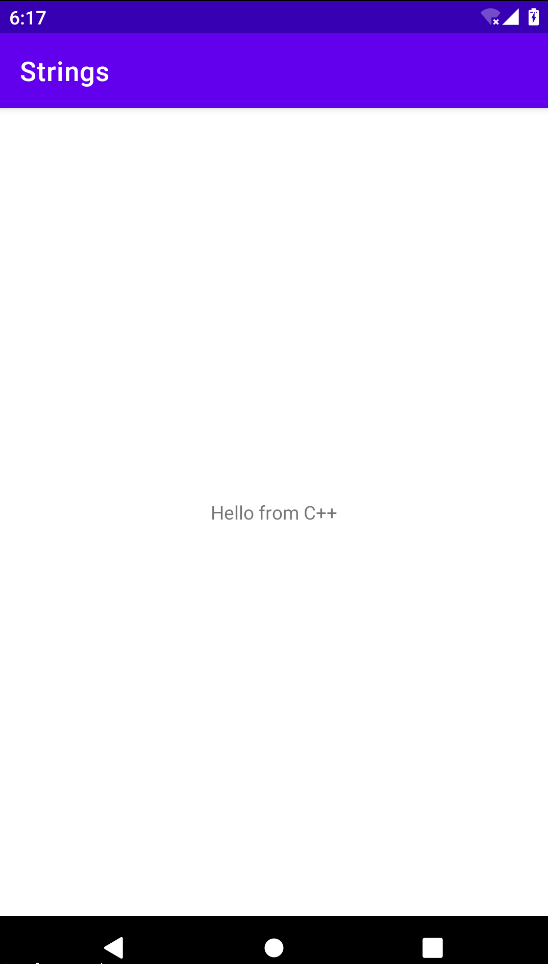 After opening the app. You will get an interface like this,
 Upon launching the application, you are presented with a simple interface asking for a flag.
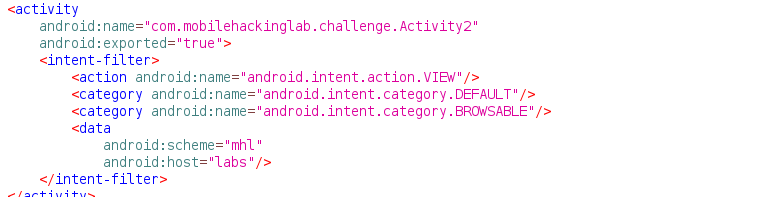
Open the APK in jadx on your Kali Linux machine and navigate to the AndroidManifest file. Look for the activity component, and you'll find a activity named `MainActivity`, which is marked as exported with android:exported="true".
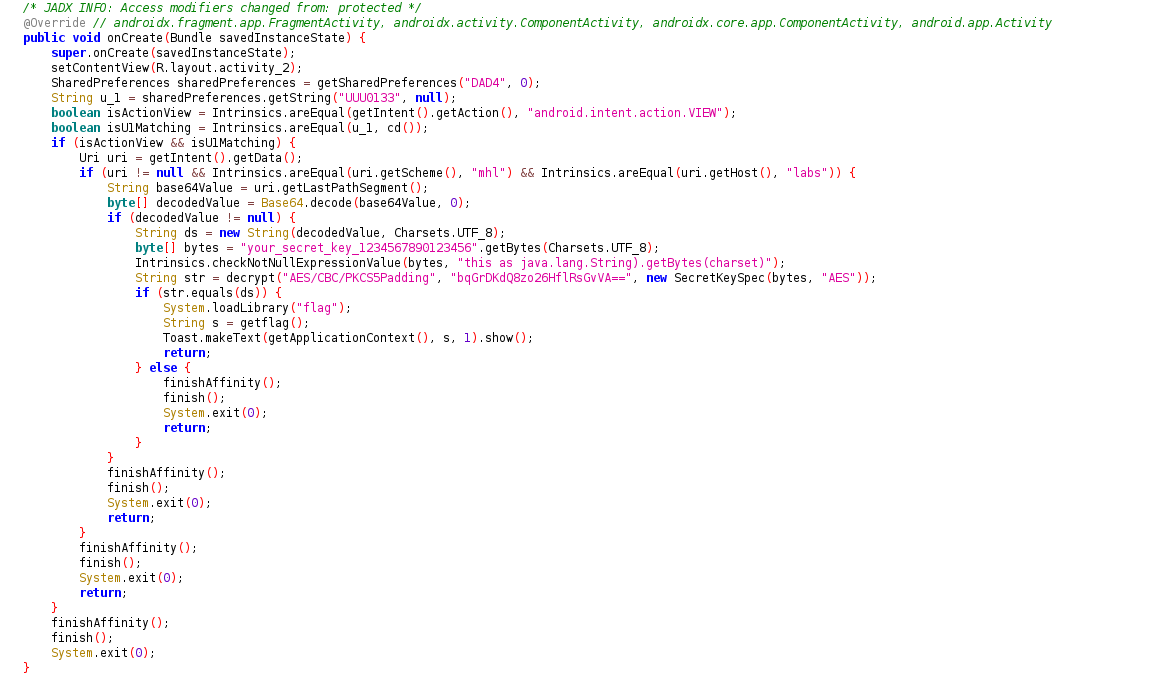 Further analysis using the Text Search feature in JADX revealed a class named `MainActivity`.
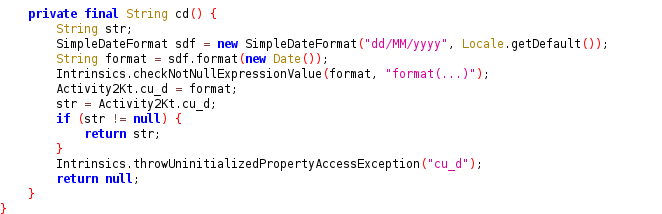 Inside the `MainActivity` class, the code first checks if the
entered text matches the string returned by the function `"kljujhwjzgje"`.
If this condition is met, it proceeds to display a toast message, stating *"Success"*. However, if the `kljujhwjzgje` method
returns false (indicating an incorrect Flag), a different toast message appears, saying *"Fail"*.
Inside the `MainActivity` class, the code first checks if the
entered text matches the string returned by the function `"kljujhwjzgje"`.
If this condition is met, it proceeds to display a toast message, stating *"Success"*. However, if the `kljujhwjzgje` method
returns false (indicating an incorrect Flag), a different toast message appears, saying *"Fail"*.

- kljujhwjzgje(String str):
- This method receives a string str (likely a Flag entered by the user). It calls decrypt to try and decrypt the encrypted string "BQvdVlVSSUUA" using the key "mysecretkey". If the decryption is successful and matches the string str, the Flag is valid (returns true). If it doesn’t match, it returns false.
When an incorrect Flag is entered, a "Fail" message is returned. However, if the correct Flag is obtained, the Success message will appear.
└─$ nano decrypt.py
Run this code.
└─$ python decrypt.py
If there is any error occur try to run the below code.
Make sure you have the required pycryptodome library installed. You can install it using pip:
└─$ pip install pycryptodome Next, open the app and enter the flag.
 You should see a message indicating "Success".